Made for
the remote
A free player for Samsung and LG Smart TVs. You sign in with your provider’s account: XLitePlayer includes no channels or movies.

 8:05 PMNoviembre 07, 2026
Try it here
Move with the arrows and pick with OK, just like on your TV. The sample films are open films by the Blender Foundation.
TODAS 5
-
8
 Big Buck Bunny
-
8
 Sintel
-
7
 Tears of Steel
-
7
 Elephants Dream
-
7
 Caminandes: Gran Dillama
Un conejo gigante y bonachón decide vengarse, con mucho ingenio, de tres roedores que molestan a los animales del bosque.
Big Buck Bunny
00:01:3600:10:34
Arrows to move, OK to pick
It also answers your keyboard’s arrows, Enter and Backspace while the screen is selected.
Your TV’s own remote
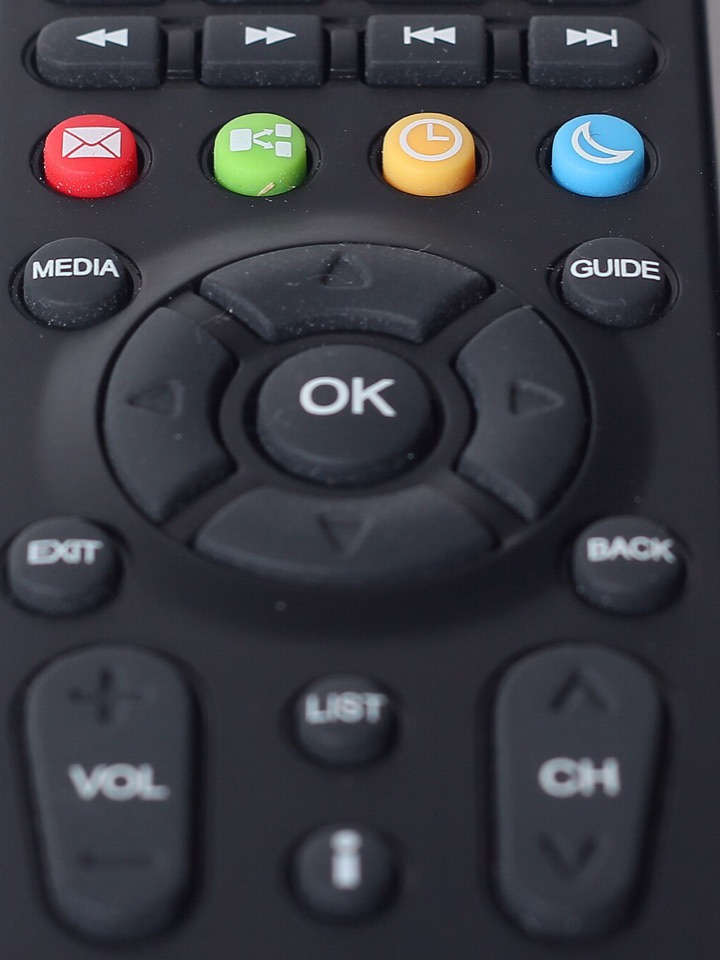
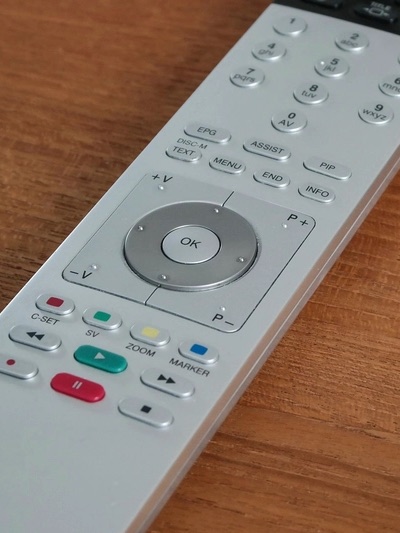
You need no other remote. Arrows move, OK picks and Back goes back: that is how every XLitePlayer screen works.
Live TV
Buscar en categorías
- TODOS4
- FAVORITOS1
- HISTORIAL DE CANALES3
- Cine abierto 24/72
- Animación2
 Demo Cine 1Tears of Steel
 Demo Cine 2Sintel
8:00 PM - 8:12 PMTears of Steel
8:12 PM - 8:24 PMTears of Steel
Favoritos
Getting started
First, open XLitePlayer on your TV.
Install it free from your Samsung or LG app store.
Then enter your provider’s details.
Provider code, username and password. Your provider gives them to you: we do not sell accounts.
And pick what to watch.
Live TV, movies or series, with the arrows and OK.
For TVs by
- SamsungTizen, 2019 models and later
- LGwebOS
- Amazon Fire TVComing soon
- Android TVComing soon
What happens to your data
Privacy PolicyWhen your TV registers
- StoredThe MAC or installation IDEncrypted. It recognises your TV and lets us help you.Our server
- StoredModel, platform and app versionTo know which video formats it supports.Our server
- StoredWhich texts you acceptedThe version of the terms and the privacy policy, and the date.Our server
When you sign in
- DiscardedYour username and passwordWe check them once with your provider and do not store them.Your provider
- StoredWhich provider you usedAnd the dates of your 30-day access period.Our server
- Only on your TVThe accounts you saveTo sign in without typing. Remove them with “Quitar”.Your TV
While you watch
- Never hereVideo, artwork and guideThey travel straight from your provider to your TV.Your provider
- Only on your TVFavorites, history and progressThe parental control PIN too.Your TV
- NeverAds and analyticsNo ads and no tracking tools.Nowhere
- Up to 30 daysTechnical logs with IPFor the security of the service. Deleted automatically.Our server
If you ask us to delete
- Within 30 daysYour TV’s dataWrite to soporte@xliteplayer.com with your MAC.Our server
- Right awayWhat is saved on your TVUse “Quitar” or uninstall the app.Your TV
- After 14 daysBackupsDeleted automatically.Our server
Questions
No. It is only the player. The content belongs to your provider, who gives you the account.
Nothing. The app is free, with no purchases or ads. Whatever you pay for content, you pay your provider.
From a provider that works with XLitePlayer. We do not sell accounts or playlists.
No. We check them once with your provider and discard them. They stay only on your TV.
Samsung Smart TVs from 2019 on and LG TVs with webOS. Amazon Fire TV and Android TV are coming soon.
Yes. With “Cambiar cuenta” you sign in with another one and go back without typing it again.
Yes. Adult categories ask for a PIN you choose in Settings.
Write to soporte@xliteplayer.com with the MAC shown on the sign-in screen. We do it within 30 days.